
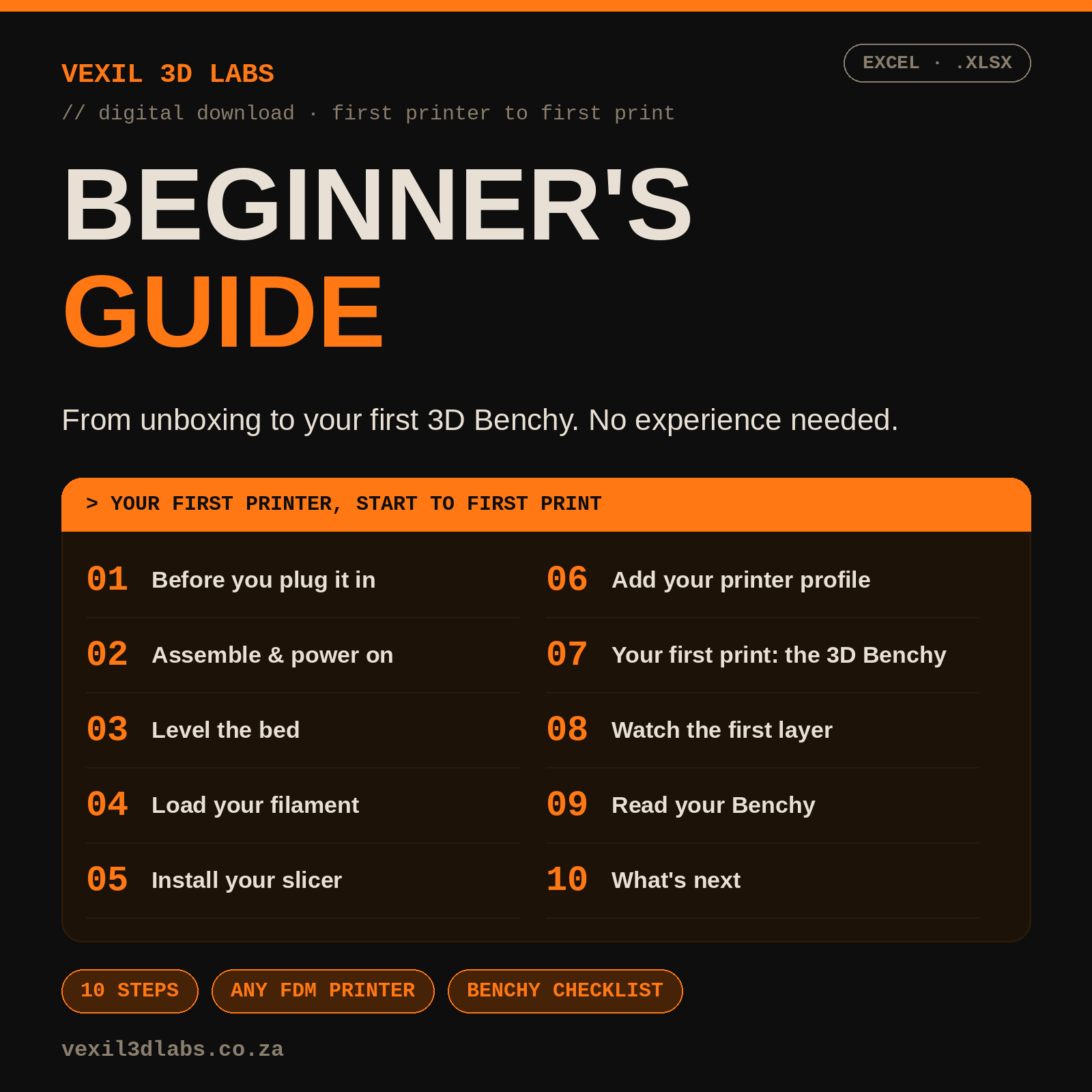
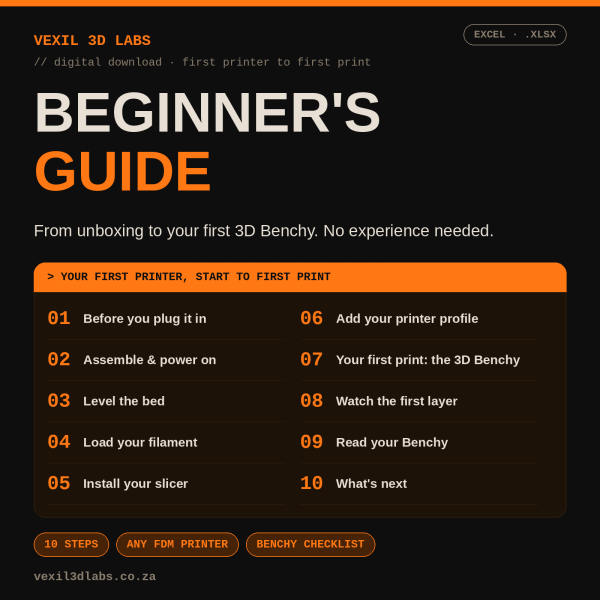
Bought your first 3D printer and not sure where to start? This Excel guide walks you through 10 numbered steps from unboxing to a finished 3D Benchy, with no prior experience needed.
Key Features
- 10 steps: before you plug it in, assembly and power-on, bed levelling, loading filament, installing a slicer, adding your printer profile, your first print, watching the first layer, reading your Benchy, and what’s next
- Not tied to one brand: it covers automatic and manual bed levelling for any FDM printer
- Recommends OrcaSlicer as a free starting slicer, with a warning about clone sites that impersonate it. Notes that Bambu Studio and Creality Print are also fine for those brands
- Benchy walkthrough using PLA, the default 0.20mm Standard profile and supports off
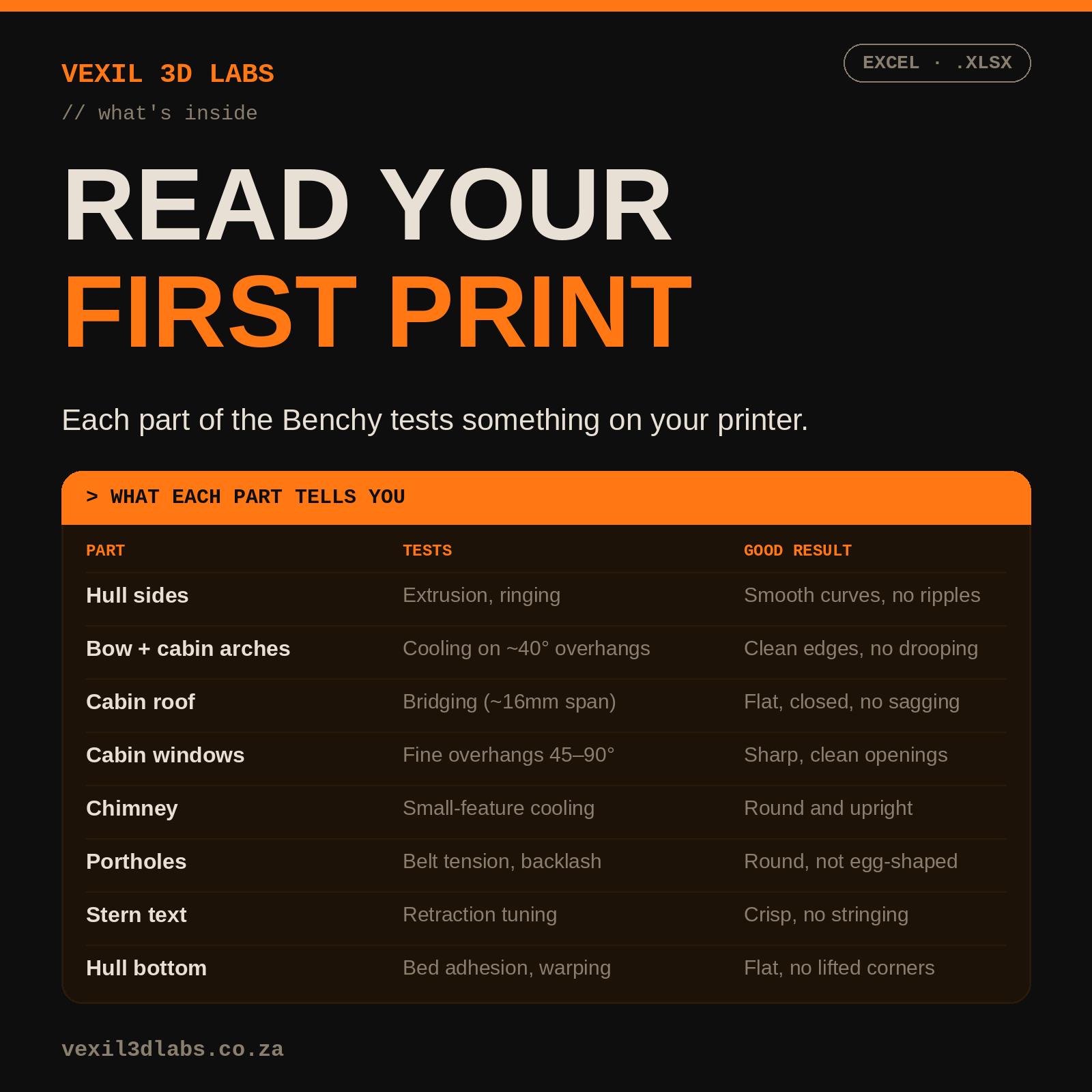
- ‘Read Your Benchy’ checklist: 8 parts of the boat, what each one tests and what a good result looks like
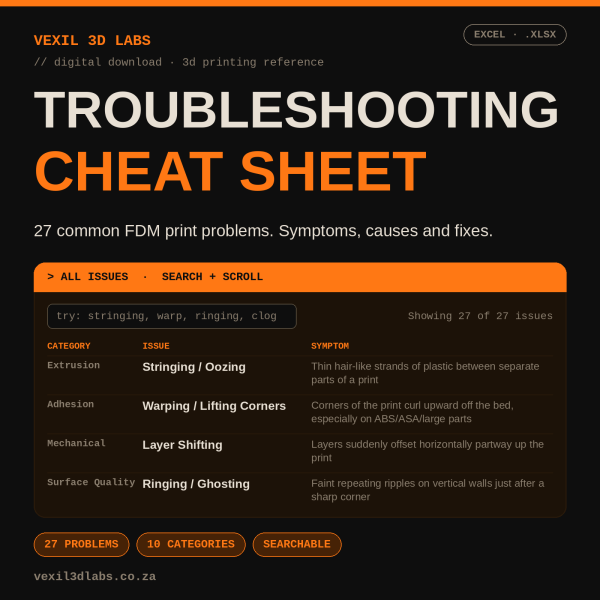
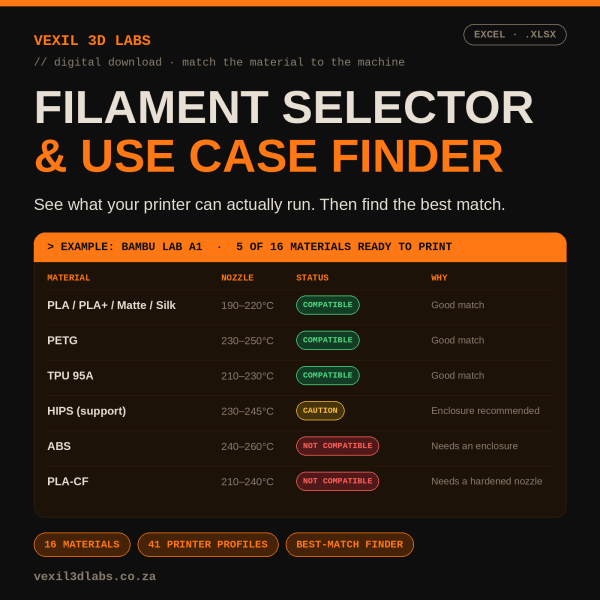
- Points you to the Vexil Troubleshooting Cheat Sheet and Filament Selector for the next step
What’s Inside
The guide takes you from clearing a table and choosing a spot for the printer through to inspecting the finished boat. Each part of the Benchy (hull, overhangs, cabin roof bridging, chimney, portholes, stern text and hull bottom) is explained as a test of something specific on your printer, so you know what to adjust if a result is off.
Who It’s For
First-time owners of a filament (FDM) printer. It assumes no experience and uses PLA, the most forgiving material, for the first print.
Why Vexil 3D Labs
Vexil 3D Labs is a South African 3D printing filament retailer and an authorised ERYONE distributor.
Reviews
There are no reviews yet.